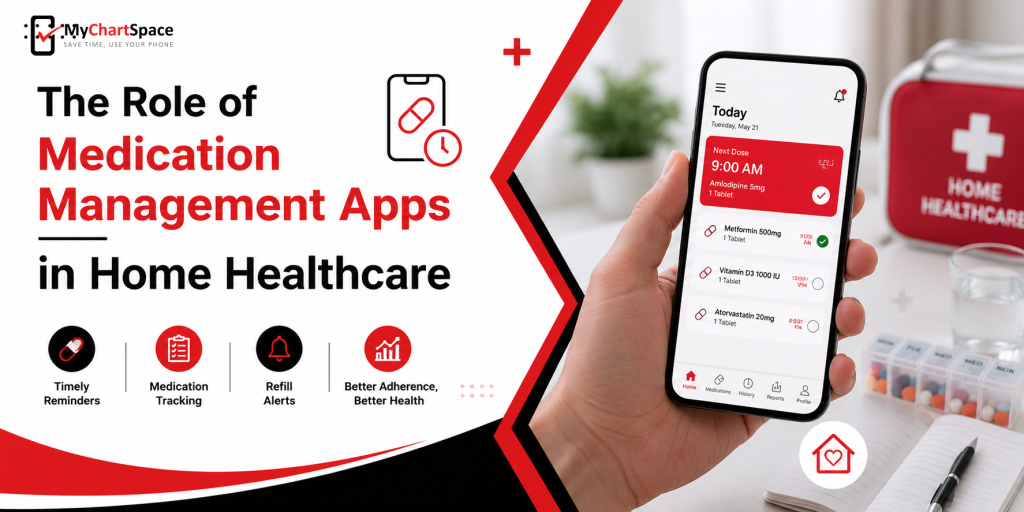
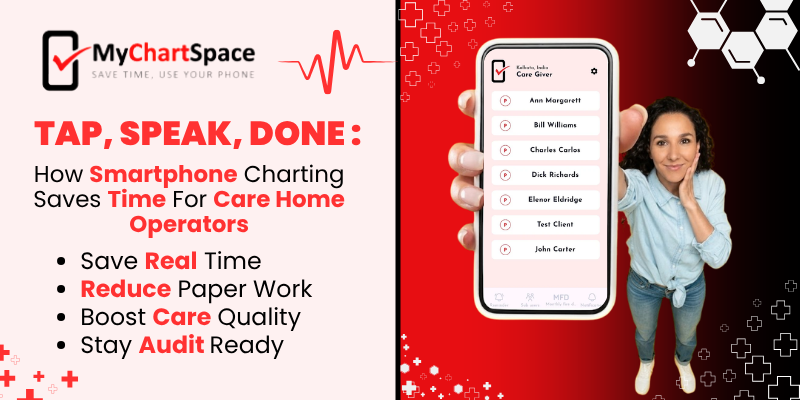
Care home operators already have far too much paperwork to do, and it takes up time that could be spent caring for the residents. MyChartSpace makes it easy. Charting your MARs on your phone is as easy as tapping a “like” on Facebook or posting on Instagram.
With this medication tracking tool, caregivers can check off medications with one click, dictate notes instead of typing them, and attach any pictures or documents directly from the mobile phone without wasting any time with paper and delays.
Nowadays, because of their tight schedules, caregivers log their charts at a later time, risking the chance of forgetting what was to be written. They do this because of the hassle of going to the file drawers, finding the right binders, going to the right page, and then logging their notes.
And if a mistake happens, they either use White-Outs or start all over on another sheet of paper because a sloppy chart shows incompetence, which may lead to a deficiency
Table of Contents:
- How exactly does smartphone charting save time compared to traditional paper charting or older EHR systems in care homes?
- Is voice-to-text charting accurate and reliable enough to use for medication documentation, especially during inspections or audits?
- What happens if a caregiver makes an error while charting on their phone?
How exactly does smartphone charting save time compared to traditional paper charting or older EHR systems in care homes?
With paper-based record-keeping, carers write notes by hand, and then someone enters everything by hand into the computer system. More sophisticated solutions are a little better in this respect but still require carers to leave the room and work on a PC to input the notes.
MyChartSpace eliminates all the extra steps. The medicine management app allows carers to tick off medications with a click, enter notes, and even take pictures without leaving the patient’s room. Doctors write out prescriptions and sign them on the same mobile phone; there is no extra paperwork.
Is voice-to-text charting accurate and reliable enough to use for medical documentation, especially during inspections or audits?
Clarity is important
Voice-to-text facility works best when the speaker is speaking clearly in a quiet environment. It can still have trouble identifying medical terms, accents, or noise in the environment in case of hectic shifts. It is therefore important that the carer review the generated text before saving it in the resident’s record.
Easy to make corrections
MyChartSpace and other voice-to-text applications allow carers to review and edit notes immediately after they record them. This helps to make corrections before the information is part of the final record, making the whole process more efficient.
Timestamps Matters
Auditors are not so much concerned with whether documentation is written or recorded during the course of the inspection, but rather with accurate time-stamping and proper identification of the authors.
Caregiver’s Role
Voice-to-text does allow you to write quickly, but it does not replace the judgement of the caregiver. Carers must check the names of drugs, dosage, and instructions for each resident for accuracy. Any tiniest text error can affect the future care of the patient.
Inspector’s Approval
Inspectors generally accept the use of spoken notes as they do any other form of notes during a facility inspection, as long as the digital entries are correct, time-stamped, and can be traced back to the carer.
What happens if a caregiver makes an error while charting on their phone?
Sometimes mistakes do happen, and it is not hard to correct them in MyChartSpace. If an error is noticed by the carer immediately after it has been made, adjustments can be made with a simple finger tap. The medicine reminder app will save the change with a different timestamp. This means that there is always a record of what was changed and when.
It is beneficial for the caregivers because they do not have to cover up the error or worry about it during the inspection. Usually, inspectors see it as a good thing because they can clearly see the correction that was made.
See How Easy Charting Can Be – Download the App
Record-keeping with MyChartSpace is just a matter of tapping a phone, speaking a note, or updating quickly. Operators spend their time trying to find the best smartphone charting for caregivers, but with MyChartSpace, this is exactly what you get. Find out how much time you can save with it. Start today and download from both Google Play and the App Store.
FAQs
Is it difficult for caregivers who aren’t very tech-savvy to learn MyChartSpace?
No, the application works similarly to those they have experience working with: the user taps checkboxes and speaks instead of typing information.
Does voice-to-text work well in a noisy care facility?
The technology is only effective in quiet environments. It is recommended that the carers verify all spoken notes prior to submission to ensure the information is accurate.
What do we do if there is a mistake in the caregiver’s charting?
Any errors that occur can be easily tapped and fixed. The correction is recorded with the time the error occurred.